
What Is Net WPM? The Typing Metric That Actually Matters
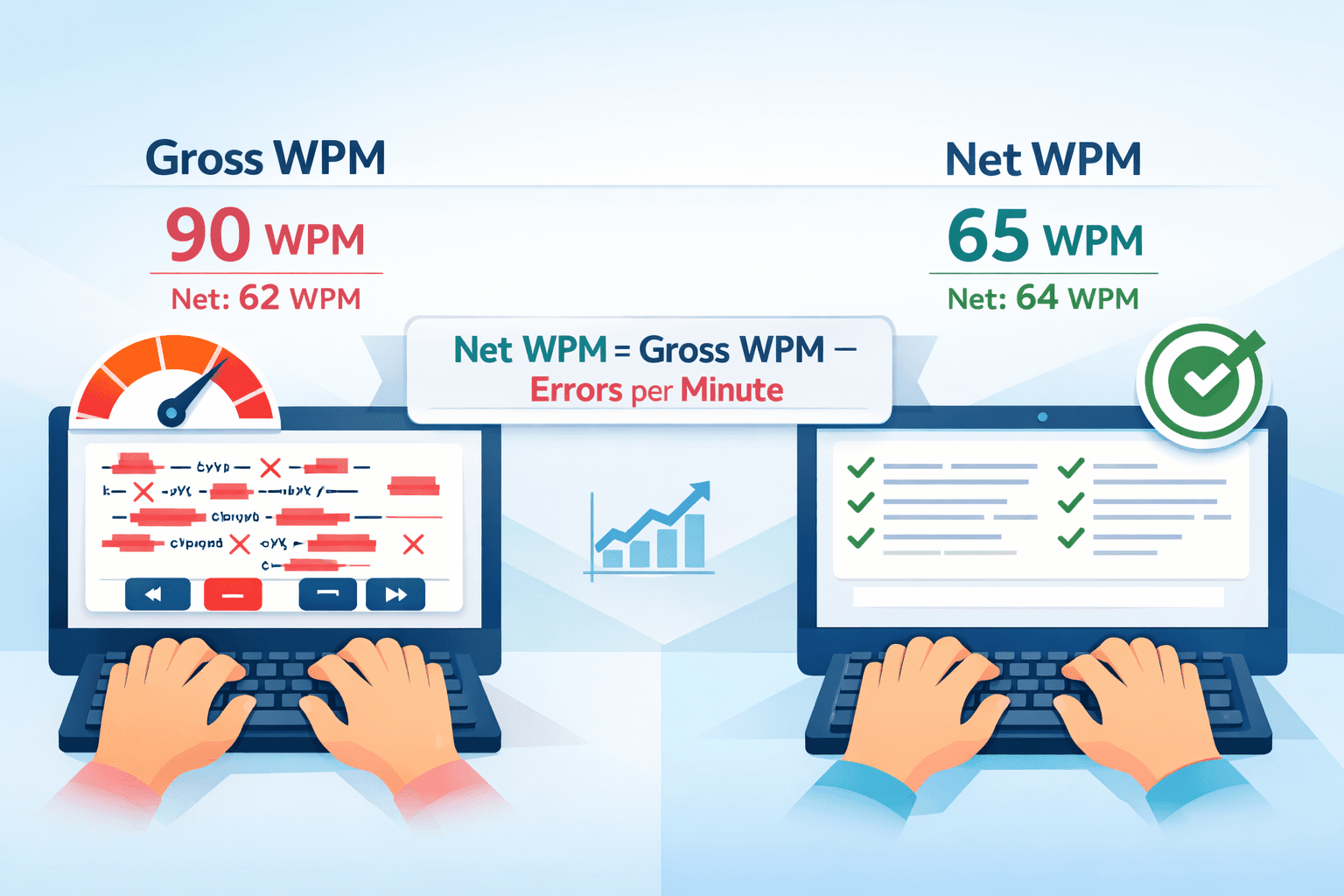
When most people talk about their typing speed, they quote their gross WPM — the raw number of words they typed per minute. But employers, typing tests, professional certifications, and competitive platforms almost always use a different metric: net WPM. Understanding the difference between the two, and why net WPM is what actually matters, is essential if you want to accurately assess and meaningfully improve your typing.
Gross WPM vs Net WPM: The Core Difference
Gross WPM is simply the total number of words you typed divided by the number of minutes elapsed. It does not account for errors at all — it is pure output volume.
Net WPM deducts a penalty for every uncorrected error you produce. The standard formula used across most typing tests and employer assessments is:
Net WPM = Gross WPM − (Errors per minute)
So if you type 70 words in one minute but leave 8 errors uncorrected, your net WPM is approximately 62. If you type 70 words and leave 15 errors uncorrected, your net WPM drops to 55.
The distinction matters enormously in practice. A typist who consistently quotes "80 WPM" based on gross output, but produces that at 88% accuracy, has a net WPM significantly lower than they realize — and lower than what employers will actually record.
Why Net WPM Is the Metric That Matters
In a real workplace, errors are not free. Every typo in an email, report, database field, or document requires correction — and corrections take time that is not accounted for in gross WPM. Net WPM reflects your effective output: the words you produced that did not need to be fixed.
Consider two typists side by side:
Typist A types at 85 gross WPM with 88% accuracy. That means roughly 10 uncorrected errors per minute, giving a net WPM of approximately 75. But those errors also require backtracking, re-reading, and correcting — which in real document work adds additional time beyond what the test captures.
Typist B types at 68 gross WPM with 98% accuracy. That means roughly 1–2 uncorrected errors per minute, giving a net WPM of approximately 66–67. Their actual usable output per hour is substantially cleaner and requires far less downstream correction.
In most professional contexts, Typist B is more valuable — not because they are faster, but because their output is more reliable. This is why data entry roles, medical transcription, legal work, and customer service positions weight accuracy so heavily in their hiring criteria.
How the Error Penalty Works in Practice
The standard net WPM formula treats each error as costing 1 WPM — but the real cost in actual work is often higher. Here is why:
When you make a typing error in a live document or database entry, you typically need to: notice the error, move your cursor back to it, delete and retype the incorrect characters, and then return your cursor to where you were. Depending on the error and your workflow, this can easily cost 3–5 seconds per mistake — the equivalent of 1–2 additional WPM in lost productivity, on top of the 1 WPM the test formula deducts.
This means that in real work conditions, a typist with a gross-to-net gap of 15 WPM (say, 80 gross vs. 65 net) is losing significantly more than 15 WPM worth of productive output per minute once you account for correction time.
The Accuracy Threshold: Why 95% Is Not Enough
Most people consider 95% typing accuracy to be good. In isolation it sounds high — you are getting 95 out of every 100 keystrokes right. But here is what 95% accuracy looks like at scale:
At 60 WPM over a 6-hour work day, you type approximately 108,000 characters. At 95% accuracy, that is 5,400 errors per day. At 98% accuracy, that drops to 2,160. At 99%, it falls to 1,080.
For a data entry specialist entering medical codes, a billing clerk processing invoices, or a legal transcriptionist working on court documents, the difference between 95% and 98% accuracy is not cosmetic — it is the difference between a manageable correction workload and a dysfunctional one.
Professional data entry and transcription roles typically require 97–99% accuracy for exactly this reason. Net WPM requirements in those fields implicitly assume this accuracy floor.
How Net WPM Is Calculated on Different Platforms
Different typing platforms handle the net WPM formula with slight variations:
Standard formula (most common): Net WPM = (Characters typed ÷ 5 ÷ minutes) − errors per minute. Here, "characters typed" uses the convention that one word = 5 characters including spaces. This is the formula used by most employer testing platforms and professional certifications.
Strict formula: Some platforms only count correctly typed words — any word with a single error is excluded from the word count entirely. This produces lower scores than the standard formula and is more commonly used in competitive typing contexts.
Real-time correction allowance: Some tests allow you to backspace and correct errors mid-test, with corrected errors not counted against your net WPM. Others count errors at the point they are made, regardless of later correction. Typingverified uses real-time correction — if you catch and fix an error before finishing, it does not penalize your net score.
Understanding which formula a particular employer or platform uses lets you interpret your score correctly and prepare appropriately.
How to Improve Your Net WPM
The most effective way to improve net WPM is to improve accuracy first — not to chase gross speed. This is counterintuitive for most people, who assume faster is always better, but the math supports it clearly.
Slow down to 90% of your comfortable pace and target zero errors. If you typically type at 65 WPM with 93% accuracy, try dropping to 58–60 WPM and focusing entirely on eliminating errors. You will likely find your net WPM stays roughly the same or improves, because the accuracy gain offsets the speed reduction.
Use accuracy-gated practice. Set a rule: do not increase your target speed until you can maintain 97% accuracy at your current speed across three consecutive sessions. This creates a ratchet that prevents you from building speed on top of bad habits.
Identify your personal error patterns. Most typists make the same errors repeatedly — specific letter combinations, common words they consistently mis-type, or transitions between certain fingers. Running your practice text through a dedicated error analysis reveals which specific patterns are costing you the most net WPM. Targeted drills on those patterns produce faster improvement than general practice.
Practice under test conditions. Net WPM in a relaxed practice environment is usually higher than in a timed test with results recorded. Regular practice under timed, pressure conditions trains your accuracy to hold up when it counts — during actual employer tests or certification assessments.
The goal is not just to type fast. It is to type fast and accurately. When both metrics are strong and stable, your net WPM reflects a genuinely high level of proficiency that employers can trust and that holds up under real working conditions.
About the author
Louis
Louis is a developer and productivity tools creator who built Typingverified to help professionals build verifiable typing skills. He writes about typing techniques, productivity, and keyboard ergonomics based on hands-on testing and research.
Email: support@typingverified.com
More articles
The Complete Beginner's Guide to Touch Typing in 2026 (Start to Certificate)
Everything you need to know about learning touch typing in 2026, from your first home-row practice to earning a professional typing certificate.
Typing Wrist Pain: What Causes It and How to Type Without Hurting Yourself
Wrist pain from typing is preventable. Learn the real causes of typing-related wrist pain and the setup, technique, and stretching fixes that actually work.
30 Typing Practice Sentences That Will Improve Your WPM Fast
Looking for typing practice sentences that actually improve your speed? Here are 30 carefully chosen sentences targeting accuracy, speed, and common word patterns.