
Customer Service Rep Typing Requirements: How Fast Do You Need to Be?
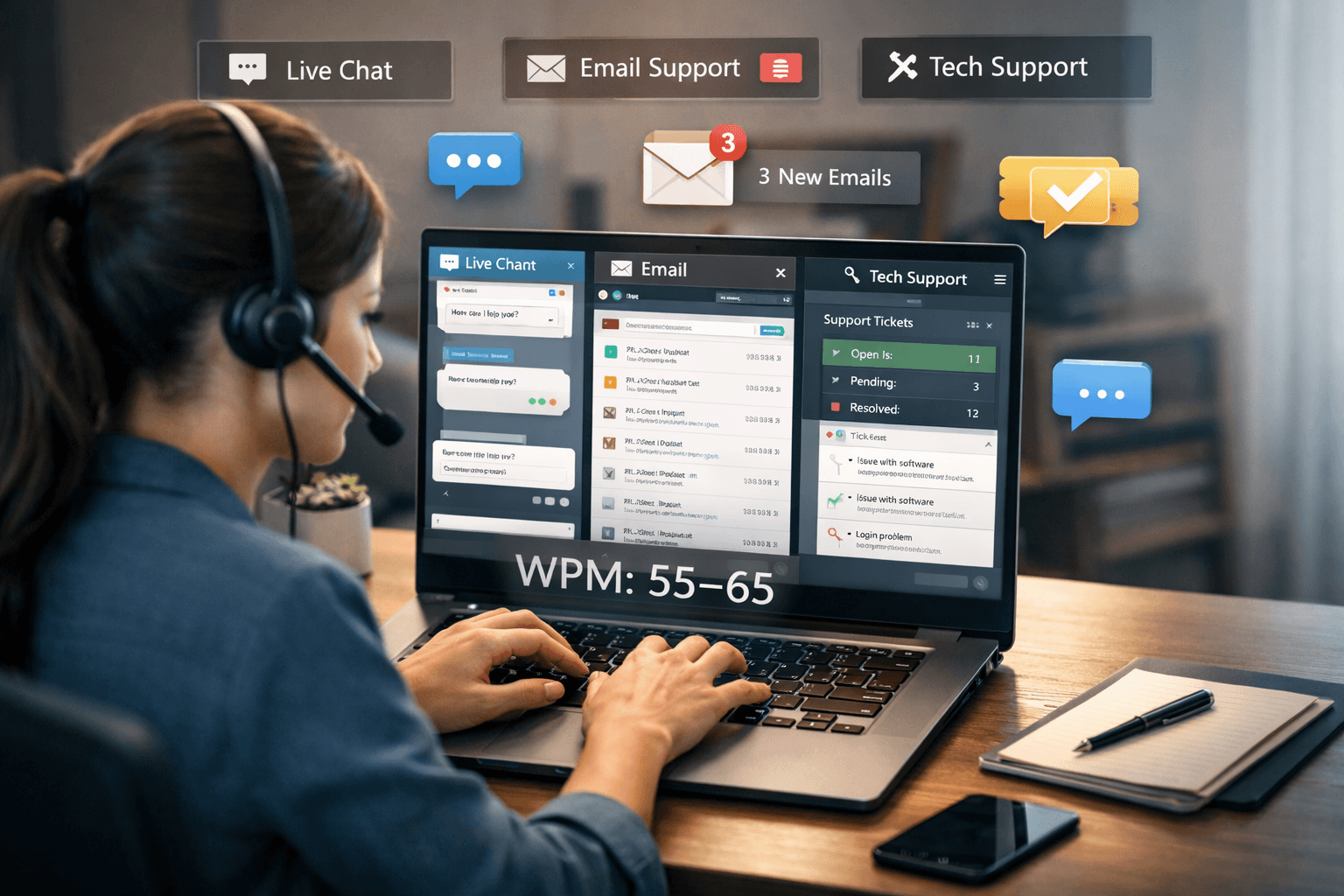
Customer service is one of the largest categories of remote work, and typing speed is a core requirement — especially for live chat roles where customers are waiting in real time for your response. Unlike most jobs where typing is just one of many tasks, customer service work is built around written communication. Your typing speed directly affects how many customers you can help, how long they wait, and whether they leave satisfied.
Here is a clear breakdown of what different customer service roles actually require — and what you need to do to qualify.
Why Typing Speed Matters More in Customer Service Than Most Jobs
In most office jobs, a slow typist just takes longer to finish a document. In customer service, typing speed affects everything simultaneously: customer wait time, your ability to handle multiple conversations, your satisfaction scores, and your team's overall throughput.
Live chat platforms typically assign agents 2–4 simultaneous conversations. A typist at 40 WPM handling three chats at once is functionally slower per customer than a typist at 65 WPM handling four. The math compounds quickly. Over an eight-hour shift, the difference between a 45 WPM and a 65 WPM agent can mean dozens fewer resolved tickets.
Customer satisfaction scores (CSAT) are also directly affected by response speed. Customers in a chat window are watching a typing indicator. Long delays feel like being ignored, even if the agent is working hard. Faster typists maintain the flow of conversation in a way that slower typists simply cannot, regardless of how good their answers are.
Live Chat Support
Required WPM: 45–55 minimum, 60+ preferred
Live chat is the most typing-intensive customer service format. You are responding to multiple customers simultaneously, navigating internal systems like Zendesk, Salesforce, or Freshdesk, copying order numbers, and maintaining a professional tone — all while the customer watches a typing indicator.
Most companies set a minimum of 45–50 WPM for chat roles, with a preference for 55–65 WPM. For high-volume operations — large e-commerce companies, telecommunications providers, and software support teams — the bar is often 60 WPM or higher. Remote live chat roles tend to have stricter requirements than in-person ones because there is less opportunity for a supervisor to step in and help.
If you can manage 60 WPM with strong accuracy, you will be competitive for the vast majority of live chat roles available in 2026. If you are at 45–55 WPM, you will qualify for entry-level roles but may be screened out by more selective employers.
Email Support
Required WPM: 40–50 minimum
Email support is less time-pressured than live chat, but response volume matters. Agents handling 80–120 emails per shift need to write clear, complete, professional responses efficiently. A slow typist under that kind of volume starts cutting corners — shorter answers, less detail, more template-reliance — which degrades quality.
Most email support roles expect at least 40 WPM with strong written communication skills. The emphasis in email support is less on raw speed and more on writing quality: correct grammar, clear explanations, and appropriate tone. That said, the higher your typing speed, the more time you have to actually focus on the quality of your writing rather than just getting words on the page.
Phone Support with Simultaneous Note-Taking
Required WPM: 35–50
In phone support roles that require you to type notes and updates into a CRM while speaking with customers — which describes the majority of modern call center work — you need to be able to type without consciously thinking about it. The goal is for typing to require zero conscious bandwidth so that your full attention stays on the customer conversation.
At this level, touch typing is less a speed requirement and more a cognitive one. A typist who hunt-and-pecks at 45 WPM while looking at the keyboard cannot simultaneously maintain a conversation, listen for key information, and accurately update a customer record. A touch typist at 45 WPM can do all three because the physical act of typing is entirely automatic.
Technical Support / IT Help Desk
Required WPM: 50–65
Technical support roles often require detailed written documentation, ticket management, step-by-step troubleshooting instructions, and customer communication simultaneously. Unlike general customer service, technical support agents are writing complex content — error codes, configuration steps, system paths — which demands both speed and precision.
Higher WPM in technical support allows agents to handle more tickets per shift and write more thorough notes, which reduces repeat contacts and improves first-contact resolution rates. Many IT help desk roles also require updating internal knowledge bases, which is additional written output on top of the customer-facing work.
Social Media and Community Support
Required WPM: 45–55
Social media support and community management roles require high-volume short-form writing — responding to comments, handling DMs, de-escalating public complaints. The volume can be significant: a busy social media support agent may respond to 150–200+ messages per shift. Accuracy and tone matter enormously here because responses are often public, but speed is equally important given the volume.
Remote Customer Service vs. In-Office Roles
Remote customer service roles consistently require higher WPM than in-office equivalents. The reasons are practical: remote agents lack the informal support of nearby colleagues, supervisors can't intervene as easily, and the metrics are more closely tracked. Remote roles are also more competitive to obtain — employers can hire from a larger geographic pool, so the bar is higher.
If you are applying for remote customer service work specifically, target 55+ WPM before submitting applications for chat roles. For email-only roles, 45 WPM with strong writing skills is usually sufficient.
How Typing Tests Work in Customer Service Hiring
Almost every customer service employer — from large BPO companies to small startups — requires a typing test as part of the application or interview process. Here is what to expect:
Format: Most tests are 3–5 minutes long using general text passages — not technical content. Some platforms use 1-minute tests, but 3-minute tests are more common because they average out burst speed variation.
Metric: Most employers measure gross WPM, but some specifically ask for net WPM (with errors factored in). If you are unsure which they use, err on the side of accuracy — typing cleanly at 50 WPM will outscore sloppy typing at 65 WPM on a net WPM test.
Threshold: Scores typically need to meet a hard minimum to pass screening. Scoring significantly above the minimum signals that typing won't be a bottleneck in your performance.
Platform: Common testing platforms include TypingTest.com, Indeed Assessments, and company-specific tools. Practice on timed tests rather than open-ended ones so you are comfortable with the pressure of the clock.
How to Prepare
Practice daily for two weeks before applying. Even 15–20 minutes per day of structured practice produces measurable gains in that timeframe. Focus on accuracy over speed — clean output at 50 WPM is more valuable in customer service than fast-but-sloppy output at 65 WPM.
Get a verified certificate. A typing speed certificate gives you a credible, shareable credential that you can attach to your resume or application before the employer even asks you to take their in-house test. It signals preparation and professionalism.
Practice on realistic content. Don't only practice on common-word lists. Practice on mixed content with punctuation, capitalization, and varied vocabulary — which is what real customer service writing actually looks like.
About the author
Louis
Louis is a developer and productivity tools creator who built Typingverified to help professionals build verifiable typing skills. He writes about typing techniques, productivity, and keyboard ergonomics based on hands-on testing and research.
Email: support@typingverified.com
More articles
The Complete Beginner's Guide to Touch Typing in 2026 (Start to Certificate)
Everything you need to know about learning touch typing in 2026, from your first home-row practice to earning a professional typing certificate.
Typing Wrist Pain: What Causes It and How to Type Without Hurting Yourself
Wrist pain from typing is preventable. Learn the real causes of typing-related wrist pain and the setup, technique, and stretching fixes that actually work.
30 Typing Practice Sentences That Will Improve Your WPM Fast
Looking for typing practice sentences that actually improve your speed? Here are 30 carefully chosen sentences targeting accuracy, speed, and common word patterns.