
Can AI Make You a Better Typist? We Tested It So You Don't Have To
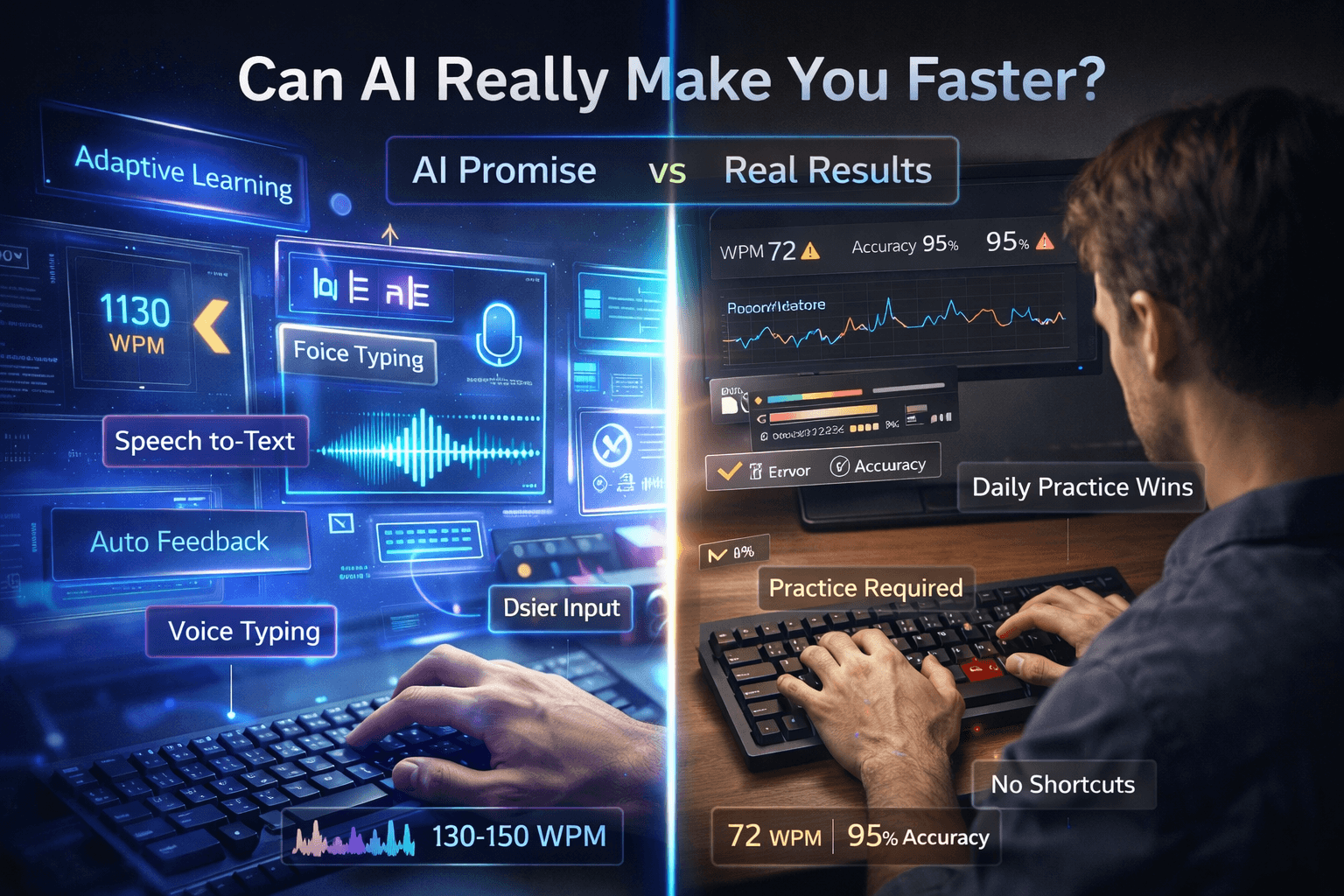
In 2026, there is an AI tool for almost every skill-building need. Typing improvement is no exception. Adaptive platforms, AI feedback engines, voice dictation, and autocorrect systems all promise to help you produce text faster and more accurately. But do any of them actually make you a better typist — or are some of them quietly making you worse?
We tested the options. Here is what we found.
What AI Can Do for Typists
Adaptive difficulty and personalized drills: This is where AI adds the most genuine value. Older typing practice tools gave everyone the same content. AI-assisted platforms analyze your error patterns in real time — which specific letters you consistently miss, which bigrams slow you down, where your rhythm breaks — and generate practice content that specifically targets those weaknesses. Instead of spending 20 minutes typing random paragraphs, you spend 20 minutes drilling the exact combinations that are holding you back. That's a meaningful efficiency gain. For typists who plateau in the 60–80 WPM range, targeted adaptive practice can break the stagnation faster than undirected repetition.
Rhythm and consistency analysis: Some AI tools go beyond accuracy and analyze your keystroke timing, identifying where your rhythm is uneven. Consistent keystroke intervals are a hallmark of high-speed typists — they don't just type fast, they type evenly. AI feedback on rhythm patterns gives you something concrete to work on beyond raw speed.
Automated feedback without a human instructor: AI can give instant feedback on your accuracy patterns, problem keys, and improvement trends over time — without needing to book sessions with a teacher. For self-directed learners, this lowers the barrier to structured improvement significantly.
Speech-to-text assistance: AI dictation tools built into Google Docs, Microsoft Word, and dedicated apps like Otter.ai have become very accurate. For first drafts, meeting notes, and voice memos, they can meaningfully reduce typing load for certain workflows.
What AI Cannot Do
Replace muscle memory training. This is the central limitation and it's non-negotiable. Speed and accuracy in typing come from physical repetition — thousands of hours of your fingers moving between specific key positions until the motion is fully automatic. No AI shortcut exists for this. You still have to put in the deliberate practice time. An AI can tell you exactly what to practice and optimize the order in which you practice it. It cannot practice for you.
Make voice typing a full keyboard replacement. Speech-to-text averages around 130–150 words per minute for clear speakers in quiet conditions — which sounds impressive. But raw word output rate isn't the whole story. Voice typing requires careful pronunciation, significant editing time for punctuation and formatting, and fails entirely in noisy environments, on technical or domain-specific content, with proper nouns, and in any context where speaking aloud is inappropriate — meetings, open offices, shared spaces. For final professional output, keyboard typing consistently outperforms voice input in both accuracy and editing efficiency.
Teach you without practice. Several AI-powered typing apps analyze your patterns and give you a precise breakdown of what to improve: which fingers are weakest, which key combinations you hesitate on, which errors are habitual versus random. That analysis is genuinely useful. But reading the analysis doesn't create the improvement. The improvement still requires you to sit down and drill. The AI can be the coach. You still have to do the work.
Fix poor fundamental technique. If you type with two fingers, look at the keyboard constantly, or use incorrect finger assignments, AI adaptive tools will help you practice those bad habits more efficiently — which isn't helpful. AI works best as an accelerator for typists who already have correct touch-typing technique, not as a substitute for learning the fundamentals properly first.
AI Tools We Evaluated
Adaptive typing platforms (e.g., Keybr, TypingClub with analytics): These tools track your keystroke data and focus practice on your specific weak points. Genuinely useful. Recommended for typists above 40 WPM who want to push into higher speed ranges.
AI grammar and autocomplete tools (e.g., Grammarly, GitHub Copilot): These reduce how much you type by completing words, sentences, or code. Useful for productivity, but they actively reduce typing practice volume — which over time can slow your development as a typist.
Voice dictation (Google Docs, Microsoft Word, Otter.ai): Useful for specific workflows: drafting, note-taking, transcribing spoken content. Not a keyboard replacement. Works well when conditions are right; fails badly when they aren't.
AI-powered games and gamified practice: Several apps use AI to generate typing challenges that adapt to your level. The gamification increases engagement and reduces dropout, which matters for long-term habit formation. If you find traditional typing drills boring, these tools have real practical value.
The Real Risk of AI Reliance
There is a documented pattern of people who heavily use voice input and autocorrect systems experiencing a measurable decline in keyboard typing speed over time. The skill atrophies without consistent use. Muscle memory that took months to build degrades faster than most people expect when it isn't regularly exercised.
In a professional environment, over-reliance on AI input tools can leave you genuinely vulnerable. If you've shifted the bulk of your text production to voice input and autocorrect — and then find yourself needing to type efficiently in a noisy environment, on unfamiliar hardware, in a role where dictation isn't appropriate, or simply under deadline pressure without optimal conditions — the gap becomes apparent fast.
Autocorrect dependency has its own specific failure mode: it masks errors rather than preventing them. A typist who relies on autocorrect to fix common mistakes never develops the accuracy instincts that high-speed typists have. Their gross speed may stay the same, but their net accuracy — measured without autocorrect as a safety net — is often far lower than they realise.
How to Use AI Tools Without Becoming Dependent
The smart approach is to use AI where it genuinely helps and avoid it where it creates dependency:
Use adaptive platforms for practice sessions. They make your practice time more efficient and help you break plateaus faster.
Use AI feedback to identify your specific weak points, then drill those deliberately.
Use voice input selectively — for rough drafts, notes, and contexts where precision isn't required. Don't use it as your primary production method.
Turn off autocorrect during dedicated typing practice. You need to feel your errors in real time to correct the underlying habits.
Test yourself regularly without AI assistance to get an honest baseline of where your actual typing ability stands.
More AI-adjacent tools worth knowing (short list)
Beyond the big names above, these categories show up constantly in 2026 workflows — with different effects on skill vs throughput:
- IDE and editor copilots (Cursor, Copilot, Codeium): Massive productivity for coders; they reduce how often you hand-type boilerplate. Treat them as output accelerators, not substitutes for keyboard practice before interviews or timed tests.
- Meeting summarizers and auto-notes: Save typing in the moment but do nothing for finger fitness. Fine for workflow; keep separate “raw keyboard” practice.
- OS-level dictation (Windows / macOS / mobile): Good for capturing ideas when hands are busy. Same caveats as Google Docs voice: editing and privacy context still favor the keyboard for final work.
- Browser extensions that rewrite whole paragraphs: Highest risk for “typing atrophy” — you may barely compose sentence-by-sentence anymore. If you use them heavily, schedule daily uncorrected typing sessions.
Tool-by-tool verdict (honest trade-offs)
| Tool / category | Helps speed skill? | Helps daily output? | Dependency risk |
|---|---|---|---|
| Adaptive typing drills (AI-targeted weak keys) | ✅ High | ✅ Moderate | Low if you still test raw |
| Grammar / autocomplete while writing | ❌ Often hurts skill | ✅ High | High |
| Voice dictation | ❌ For keyboard skill | ✅ High in ideal conditions | Medium–high |
| Code completion | ❌ For literal typing throughput | ✅ Very high | High for coders |
| Plain timers + structured lessons (low automation) | ✅ High | ✅ Moderate | Lowest |
Use the right column when your boss cares about shipping. Use the left column when you care about passing a live typing test or typing comfortably for decades.
What AI still cannot teach you (even in 2026)
Call this the short list every “AI typing coach” leaves out:
- Posture and tension control — cameras can guess a little; they cannot relax your shoulders or fix chair height for you every hour.
- Keyboard-specific motor maps — switching from laptop chiclet to full mechanical still costs real hours; AI advice does not transfer muscle memory across layouts.
- Test psychology — jitter under time pressure is trained by repeated timed tests, not by chat feedback.
- Ethics of proof — employers increasingly care how you proved speed (proctored, net WPM). AI chat logs are not credentials.
The Verdict
AI tools can make your typing practice more efficient by personalizing the content and surfacing your weak points faster than random practice would. For typists looking to break through a plateau, adaptive AI platforms are a genuine improvement over traditional one-size-fits-all drills.
But AI cannot replace the practice itself. And voice input tools and autocorrect, used without discipline, actively work against your development by reducing the volume of real keyboard typing you do each day.
The most effective path to better typing in 2026 is the same as it was in 1986: correct technique, structured lessons, deliberate daily practice, and measurable testing. AI can optimize the journey. You still have to make it.
About the author
Louis
Louis is a developer and productivity tools creator who built Typingverified to help professionals build verifiable typing skills. He writes about typing techniques, productivity, and keyboard ergonomics based on hands-on testing and research.
Email: support@typingverified.com
More articles
The Complete Beginner's Guide to Touch Typing in 2026 (Start to Certificate)
Everything you need to know about learning touch typing in 2026, from your first home-row practice to earning a professional typing certificate.
Typing Wrist Pain: What Causes It and How to Type Without Hurting Yourself
Wrist pain from typing is preventable. Learn the real causes of typing-related wrist pain and the setup, technique, and stretching fixes that actually work.
30 Typing Practice Sentences That Will Improve Your WPM Fast
Looking for typing practice sentences that actually improve your speed? Here are 30 carefully chosen sentences targeting accuracy, speed, and common word patterns.