
I Tried 5 Typing Test Sites and This Is What I Found (Honest Review)
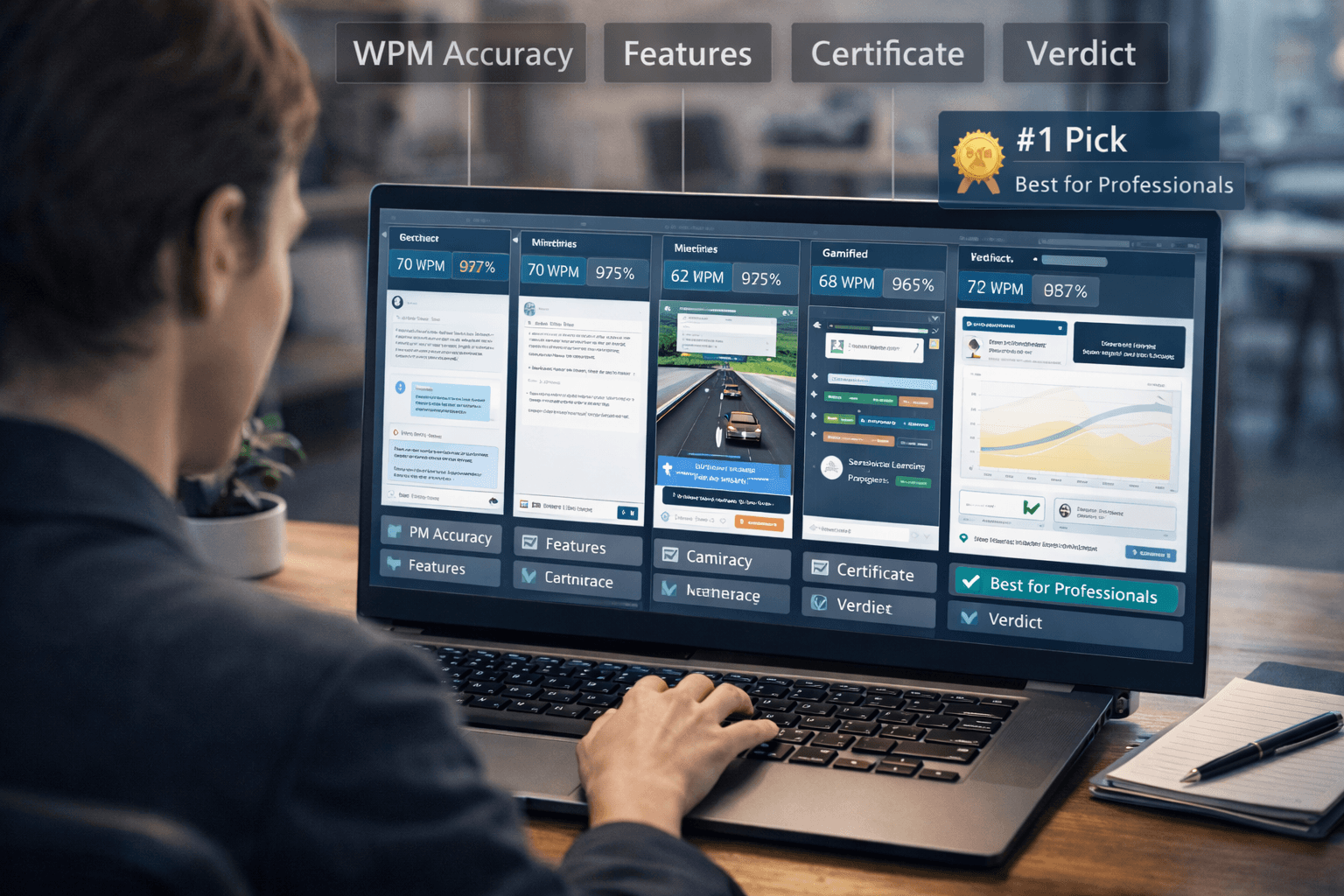
Not all typing test sites are equal. Some are built for casual fun. Some are built for serious skill development. Some look great but measure the wrong things. I spent time on five of the most popular platforms to give you an honest, side-by-side comparison — so you can spend your practice time where it actually pays off.
Here is what I found.
What to Look for in a Typing Test Site
Before getting into the individual reviews, it helps to know what actually matters. The key criteria:
WPM accuracy: Does the site measure net WPM (gross speed minus error penalty) or just raw speed? Net WPM is the industry-standard metric used by employers and on resumes. A site that reports gross speed without accounting for errors is inflating your numbers.
Test realism: Are you typing common everyday words, random letter strings, or actual prose with punctuation? The closer the test content is to real writing, the more useful the score is as a practical benchmark.
Structured learning: Does the site just test you, or does it actually help you improve? Tests without lessons measure your current ability but don't develop it.
Certificate: If you need to prove your typing speed to an employer, does the site provide a verifiable credential? Most don't.
With that framework in mind, here is each platform honestly assessed.
1. 10FastFingers
Best for: Quick casual speed tests and multiplayer competition WPM accuracy: Good — but tests use the 200 most common English words, not realistic professional text Features: Multiplayer races, custom text tests, multi-language support, global leaderboards Certificate: No
10FastFingers is one of the most widely used typing test platforms and has a large, active multiplayer community. The real-time race format is genuinely engaging — there is something motivating about racing against strangers from around the world that a solo test can't replicate.
The limitation is the test content. Because 10FastFingers uses a fixed pool of the most common words — short, familiar, frequently repeated — your score on 10FastFingers will consistently run higher than your speed on real-world text. The absence of punctuation, capital letters, and less common vocabulary means you're being tested on a simplified version of typing, not the full skill.
Verdict: Fun for competition and motivation. Good for tracking casual improvement over time. Not suitable for professional benchmarking or skill development.
2. Monkeytype
Best for: Customizable practice for intermediate and advanced typists WPM accuracy: Excellent — net WPM, highly configurable parameters, detailed post-test analysis Features: Extensive customization, dozens of themes, multiple word lists, punctuation and number modes, per-finger heatmaps Certificate: No
Monkeytype is widely considered the gold standard for pure typing test quality. The level of customization is impressive — you can configure word count, time limit, language, punctuation, numbers, capitalization, and more. The post-test analysis is detailed: accuracy per key, consistency charts, and WPM over time during the test. For typists who care about the data, it is unmatched.
The community is large and active. Monkeytype is popular among serious typists and those chasing high scores, and the aesthetic design is clean and distraction-free.
The gap is the absence of any structured learning path. Monkeytype is purely a testing and practice tool — it has no lessons, no curriculum, and no guidance on technique or improvement. For someone who already types well and wants to track and optimize their speed, it is excellent. For someone who wants to actually get better, it won't tell them how.
Verdict: The best pure typing test for enthusiasts and speed-focused typists. Not a learning platform.
3. Keybr
Best for: Absolute beginners learning to touch type WPM accuracy: Good Features: Adaptive letter-introduction system, weak key analysis, focus drills Certificate: No
Keybr takes a different approach from the other sites on this list. Instead of testing you on words, it generates practice text algorithmically — introducing letters gradually based on your demonstrated mastery of each key. If you're struggling with a specific letter, the system weights it more heavily in your practice content.
For absolute beginners who are learning touch typing from scratch, this approach is genuinely useful. The adaptive system ensures you're spending time on the keys you actually need to work on, rather than repeating easy letters.
The limitation becomes apparent quickly once you advance beyond beginner level. The generated text doesn't resemble real writing, which means the skill you're building is slightly abstracted from what you'll actually use. And the platform offers little beyond its core letter-drilling mechanic — there's no curriculum, no progression toward professional-level speed, and no credential at the end.
Verdict: Excellent for beginners who need structured, adaptive drilling of individual keys. Limited value beyond the early learning stage.
4. TypeRacer
Best for: Gamified speed improvement through competition WPM accuracy: Good — uses real quotes and literary passages, includes punctuation Features: Real-time multiplayer racing, ghost races against past performance, tournaments, career statistics Certificate: No
TypeRacer was one of the first sites to gamify typing practice, and it remains one of the most effective for motivation. Racing against other users in real time — watching car icons move across a track based on speed — creates a competitive tension that makes you push harder than you would in a solo test. The ghost feature, which lets you race against your own previous best performance, is particularly useful for self-improvement.
The content quality is higher than 10FastFingers because TypeRacer uses actual quotes from books, films, and speeches — complete with punctuation and capitalization. This makes the scores more realistic as a benchmark of practical typing ability.
The downside: TypeRacer is entirely driven by the game mechanic. There are no lessons, no structured improvement path, and no professional credential. It is a game built around typing, not a professional development tool.
Verdict: Highly engaging and effective for motivation. Good test content. No development path or credential.
5. Typingverified
Best for: Professional skill development and certification WPM accuracy: Excellent — net WPM calculated in real time, standard 5-character word definition Features: Structured 10-lesson curriculum, practice mode, 60s and 120s timed tests, verified downloadable certificate Certificate: Yes — downloadable, shareable, resume-ready
Typingverified is built for a different purpose than the other sites on this list. Where Monkeytype and TypeRacer are optimized for competitive speed practice, Typingverified is designed for people who need to build a verifiable professional skill. The 10-lesson curriculum guides you from technique fundamentals through to tested, certifiable speed. The certificate is the output — a credential you can attach to a resume, link in a job application, or show to a hiring manager.
The net WPM calculation uses the standard definition: every five characters counts as one word, errors reduce the final score. This matches how typing speed is assessed in professional contexts, which means your Typingverified score is directly comparable to the requirements listed in job postings.
For casual typists who just want a fun speed test, this platform is probably more structured than they need. But for anyone with a professional goal — job applications, career advancement, client-facing work — it is the only platform on this list built for that outcome.
Verdict: The only platform designed for professional development and verified certification. The structured curriculum and credential make it uniquely suited for job seekers and career-focused typists.
How we compared these sites (methodology)
To keep this review fair and repeatable, we used the same structure for every platform over multiple sessions:
- Same session length: At least three separate visits per site, 20–30 minutes each, on a full-size keyboard, in a quiet room, on a normal home connection.
- Same test types where available: 60-second and 120-second timed runs, plus at least one punctuation or mixed-content mode when the site offered it.
- Same scoring lens: We ranked realistic content (quotes, punctuation, uncommon words) higher than easy word pools that inflate WPM without transferring to job-style typing.
- Same secondary criteria: Whether the site teaches technique (lessons), whether net WPM is transparent, whether you can export proof for employers (certificate), and whether the UX stayed distraction-free.
Scores below are relative within this group on a 1–5 scale (5 = strongest). They reflect usefulness for someone who wants honest benchmarks and real improvement, not entertainment alone.
Feature and quality scores at a glance
| Platform | Realistic text | Net WPM clarity | Lessons / learning path | Credential | Engagement | Overall verdict score |
|---|---|---|---|---|---|---|
| 10FastFingers | 2 | 4 | 2 | 1 | 5 | 3 — Best for quick races & casual motivation |
| Monkeytype | 5 | 5 | 2 | 1 | 4 | 4 — Best pure test & analytics for enthusiasts |
| Keybr | 3 | 4 | 4 | 1 | 3 | 4 — Best adaptive letter drilling for beginners |
| TypeRacer | 4 | 4 | 2 | 1 | 5 | 4 — Best gamified motivation with real quotes |
| Typingverified | 5 | 5 | 5 | 5 | 3 | 5 — Only full path from lessons to verified proof |
What the scores mean in practice
- Realistic text: Higher scores mean punctuation, capitalization, and vocabulary closer to workplace writing — not just the 200 easiest English words on repeat.
- Net WPM clarity: Does the site make it obvious when errors penalty-shot your score? Employers care about net, not inflated gross speed.
- Lessons: Does the product teach technique, or only measure what you already do?
Side-by-Side Comparison (capabilities)
| Platform | Structured Lessons | Certificate | Net WPM | Professional Focus |
|---|---|---|---|---|
| 10FastFingers | ❌ | ❌ | ❌ | ❌ |
| Monkeytype | ❌ | ❌ | ✅ | ❌ |
| Keybr | Partial | ❌ | ✅ | ❌ |
| TypeRacer | ❌ | ❌ | ❌ | ❌ |
| Typingverified | ✅ | ✅ | ✅ | ✅ |
Final verdict snapshot (one line each)
| Site | Who should use it |
|---|---|
| 10FastFingers | You want multiplayer energy and repeatable short tests — treat scores as optimistic vs. workplace typing. |
| Monkeytype | You obsess over stats, themes, and personal records; accept that nobody grades your résumé from Monkeytype alone. |
| Keybr | You are new and need algorithms to surface weak keys — plan to graduate to prose-style practice later. |
| TypeRacer | You stay motivated only when racing; quotes give fairer realism than pocket-word generators. |
| Typingverified | You need lessons, trustworthy net WPM, and something you can show an employer — certificate included. |
The Bottom Line
If your goal is entertainment and speed competition, Monkeytype and TypeRacer are excellent choices — they are well-built, free, and genuinely engaging. If you are a beginner learning to touch type, Keybr's adaptive system is a solid starting point.
If your goal is to build a verifiable professional skill — something you can put on a resume and prove to an employer — Typingverified is the only platform on this list built for that outcome. The certificate is not an afterthought; it is the point.
About the author
Louis
Louis is a developer and productivity tools creator who built Typingverified to help professionals build verifiable typing skills. He writes about typing techniques, productivity, and keyboard ergonomics based on hands-on testing and research.
Email: support@typingverified.com
More articles
The Complete Beginner's Guide to Touch Typing in 2026 (Start to Certificate)
Everything you need to know about learning touch typing in 2026, from your first home-row practice to earning a professional typing certificate.
Typing Wrist Pain: What Causes It and How to Type Without Hurting Yourself
Wrist pain from typing is preventable. Learn the real causes of typing-related wrist pain and the setup, technique, and stretching fixes that actually work.
30 Typing Practice Sentences That Will Improve Your WPM Fast
Looking for typing practice sentences that actually improve your speed? Here are 30 carefully chosen sentences targeting accuracy, speed, and common word patterns.